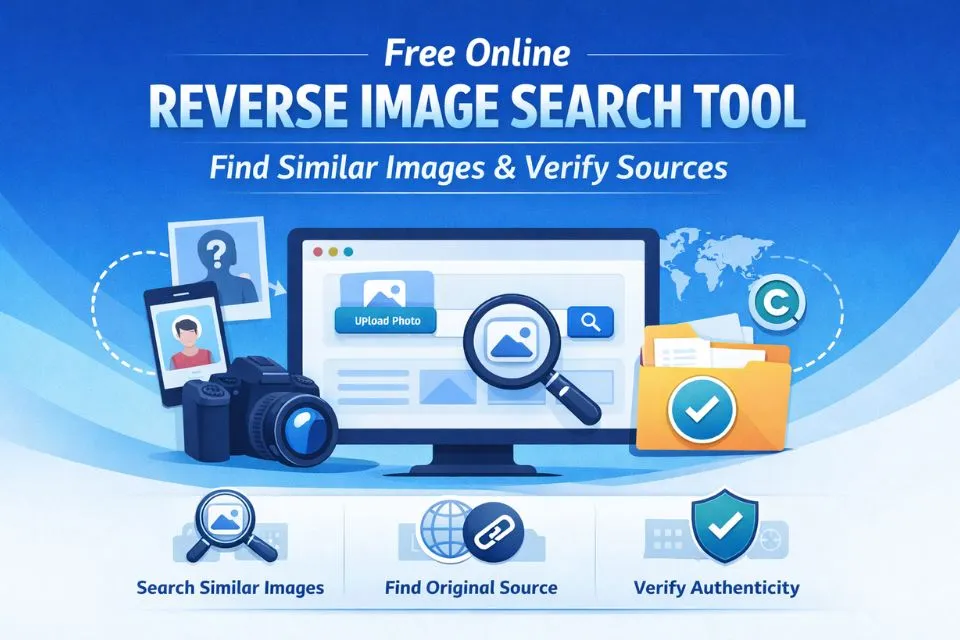
In today’s digital world, images are shared, used, and reused countless times across the internet. If you’re a photographer, content creator, or just someone concerned about the use of their images, knowing how to track where and how your visuals are being used is essential. A reverse image search tool helps you quickly find similar images, track down the original source, and ensure your content isn’t being used without permission. In this article, we’ll take you through how these tools work and why they’re a must-have for protecting your digital footprint.
The Core Benefits: Why You Need Reverse Image Search
Whether you’re a professional designer guarding your portfolio or an everyday internet user, reverse image search is an essential digital tool. Here are the four primary ways this technology empowers you:
- Protect Intellectual Property: For creators and businesses, your images are assets. Reverse searching allows you to audit the web for unauthorized usage, helping you catch copyright infringement and ensure proper attribution.
- Verify Authenticity and Combat Misinformation: In an era of deepfakes and viral rumors, seeing isn’t always believing. Journalists and researchers use reverse search to trace a photo back to its earliest upload, revealing if it has been digitally altered or taken out of context.
- Track Down Original Sources: Stumbled upon a stunning piece of art and want to know who made it? A quick search bypasses the dead ends, pointing you directly to the original creator’s website or online store.
- Safeguard Personal Privacy: Social media is rife with impersonators. By running a search on a suspicious profile picture, you can verify if the person is real or if they’ve stolen someone else’s photos to create a fake identity.
To get started with the right technology, you can explore the Best Image Search Engines and Reverse Image Tools to see which platforms offer the most user-friendly interfaces for Google searches.
How it Works: From Pixels to Patterns
While the term “Reverse Image Search” describes the action, the technology under the hood is known as Content-Based Image Retrieval (CBIR). Today, sophisticated AI has transformed this process from a simple game of “find the duplicate” into a deep understanding of visual context.

The Evolution: Traditional vs. AI-Powered Search
| Feature | Traditional CBIR | Modern AI-Powered Search |
|---|---|---|
| Matching Logic | Looks for identical pixel arrangements. | Analyzes mathematical “meaning.” |
| Tolerance | Struggles if an image is cropped or flipped. | Identifies subjects even with heavy filters. |
| Object Recognition | Sees a collection of colors and shapes. | Recognizes specific objects (e.g., “vintage chair”). |
The 3-Step Tech Process
- Feature Extraction: The system breaks your photo down into “features,” from simple edges to complex textures.
- Vector Mapping: The tool converts these features into a digital fingerprint called a Vector Embedding.
- The Comparison Cloud: The engine compares your image’s vector against billions of others. Because it’s comparing math rather than raw files, AI finds matches in milliseconds.
How to Find Similar Images Online (Step-by-Step)
- Upload Image or Paste URL: Choose the image file (JPG, PNG, or WEBP) from your device or paste the direct image link into the search bar.
- Wait for AI Processing: The tool will analyze the visual signature and search popular engines like Google, Bing, and Yandex.
- Explore Results: Review the findings to see related visuals, the original source website, and any instances of your image appearing elsewhere.
Top 10 AI Reverse Image Search Tools in 2026
As AI technology matures, these platforms have become the market leaders for accuracy and speed:
1. Face2social (The Social Media Face Search)
Face2social takes a different approach to traditional reverse image search by analyzing facial features rather than simply looking for identical or visually similar copies of a photo. Users can upload an image containing a face, and the tool searches for potential matching profiles across social platforms including Instagram, Facebook, TikTok, and X, making it useful even when the exact same photo does not appear elsewhere online.
Best For: Finding potential social media profiles by face and identifying where a person may appear across different social networks.
2. Google Lens (The All-Rounder)
Google Lens remains the industry standard for everyday visual search. It uses advanced computer vision to identify products, landmarks, plants, and animals within a photo. In 2026, its deep integration with the Google ecosystem makes it the fastest tool for finding shopping links or identifying a specific location from a travel photo.
Best For: Mobile users, shopping, and general object identification.
3. TinEye (The Digital Detective)
Founded in 2008, TinEye is the original specialist in reverse image searching. Unlike general search engines, TinEye focuses on image recognition and computer vision. It is particularly powerful for tracking exactly where your images appear online and seeing how they have been modified, cropped, or recolored over time.
Best For: Tracking image copyright and finding the original high-res source.
4. Lenso.ai (The Next-Gen AI Challenger)
Lenso.ai has emerged as a powerhouse in 2026, offering a clean, AI-first interface. It categorizes results into “People,” “Places,” and “Duplicates,” allowing you to filter your search based on what you’re actually looking for. It is widely considered one of the most accurate tools for finding contextually related images.
Best For: High-accuracy searches and organized category filtering.
5. PimEyes (The Face Search Specialist)
PimEyes is a highly specialized face-search engine. It uses facial recognition to scan the public web and find every photo containing a specific person’s face. While controversial for privacy reasons, it is an invaluable tool for individuals performing “privacy audits” to see where their own likeness is being used online.
Best For: Privacy monitoring and finding unauthorized uses of your face.
6. Pixsy (The Creator’s Choice)
Pixsy is more than just a search engine; it’s a full legal suite for photographers. It automatically monitors the web for your portfolio and provides a streamlined way to send DMCA takedown notices or seek compensation for copyright infringement.
Best For: Photographers and digital artists protecting their income.
7. Bing Visual Search (The Product Scout)
Microsoft’s Bing Visual Search is a strong alternative to Google Lens, often providing better results for product identification and shopping. In 2026, it leverages “Copilot AI” to help users not just find an image, but understand the history or “vibe” behind the visual they’ve uploaded.
Best For: Desktop users and retail-focused searches.
8. Yandex Images (The Master Profiler)
Despite being a regional search engine, Yandex remains a favorite for power users and OSINT (Open Source Intelligence) researchers. Its AI is famously good at handling cropped or low-quality photos and often finds social media matches that other search engines miss.
Best For: Deep-dive research and finding matches in low-resolution files.
9. Pinterest Lens (The Style & Decor Specialist)
Unlike Google, which looks for factual matches, Pinterest Lens is designed to find visual harmony and style. If you upload a photo of a living room, it won’t just find that room; it will identify the specific furniture, lighting, and decor style, then suggest similar products. In 2026, its “Shop the Look” AI is the gold standard for interior designers and stylists.
Best For: Finding decor inspiration, fashion, and aesthetic matches.
10. Reversee (The Mobile Power Tool)
Reversee is a dedicated app for iOS and Android that acts as a “bridge” between your phone’s camera roll and multiple search engines. Instead of opening several tabs, Reversee allows you to send a single photo to Google, Bing, and Yandex simultaneously. It also includes built-in editing tools to crop or rotate images before searching, which significantly improves AI matching accuracy.
Best For: Users who primarily search on iPhone or Android.
11. Baidu Image Search (The Asian Market Expert)
If you suspect an image originated from or is being used in Asian markets, Baidu is an essential tool. While Google and Bing have vast western indexes, Baidu’s AI is specifically trained on the massive ecosystem of the Chinese web. It often finds sources, manufacturers, and social media hits that Western search engines are blocked from indexing.
Best For: International OSINT research and sourcing products from manufacturers.
Reverse Image Search and Social Media Verification in 2026: Your First Line of Defense Against Deepfakes and Impersonators
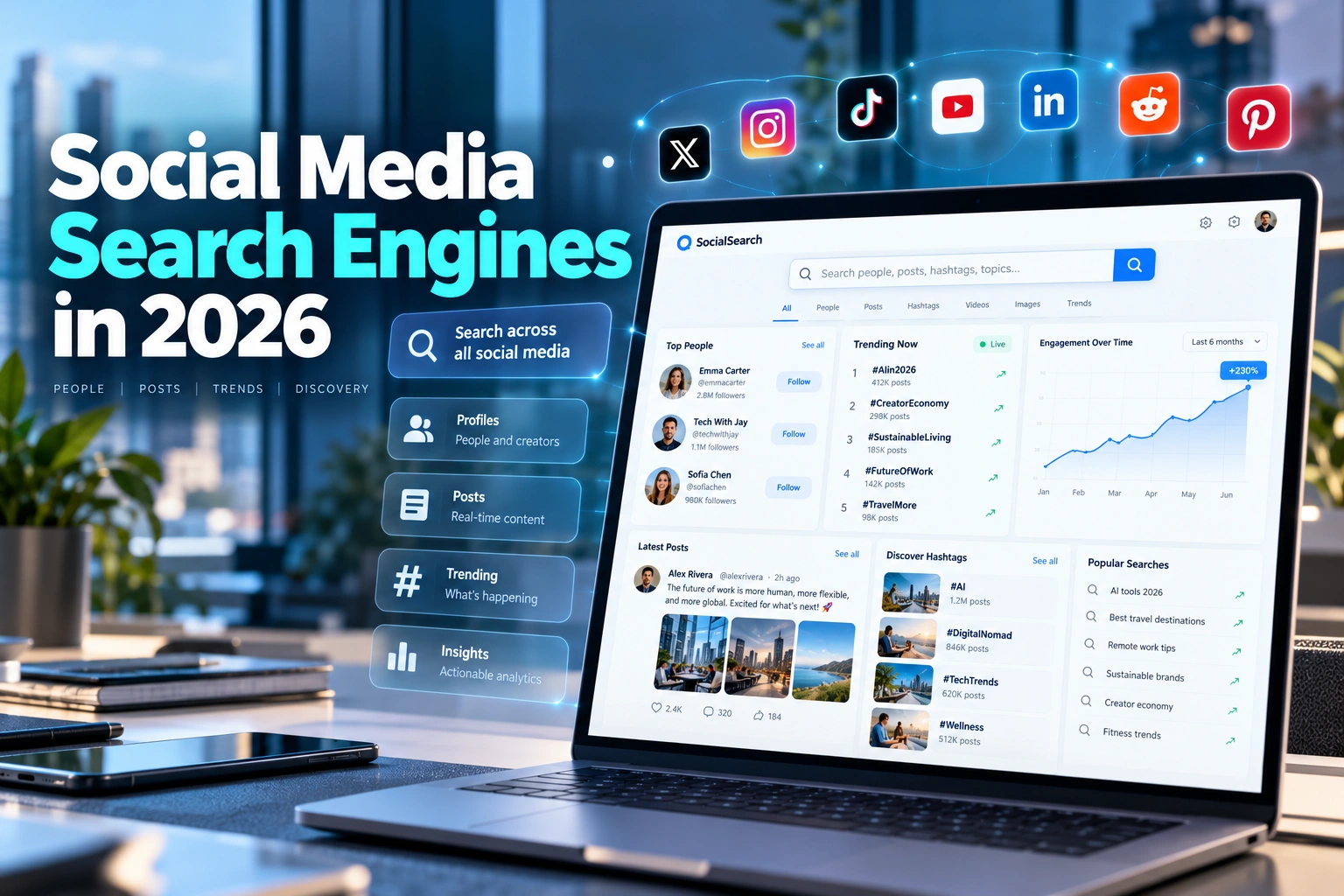
In 2026, reverse image search has become one of the most powerful tools for social media verification. With the rise of deepfakes and fake profiles, this technology is crucial for identifying where and how images are being used across social platforms, helping users verify the authenticity of visuals in a world filled with misinformation and digital impersonation.
- Social Media Impersonation and Deepfakes: Fake profiles and manipulated media have become rampant on social media, with deepfake technology making it harder to discern real images from digitally altered ones. Reverse image search tools like PimEyes, Google Lens, and TinEye help you verify the authenticity of images associated with a social media account, ensuring that profile pictures or posts haven’t been stolen or manipulated.
- Face Recognition and Identity Protection: Facial recognition enables users to trace where their face or likeness is being used online, giving them the ability to take action against impersonators. Whether you’re a celebrity, influencer, or a regular internet user, these tools allow you to perform regular “privacy audits” and safeguard your personal images from unauthorized use.
- Misinformation and Fake Content Verification: In an era where misinformation spreads faster than ever, verifying images has become essential. Reverse image search helps news agencies to authenticate images used in breaking stories or viral campaigns, identifying whether they have been manipulated to serve a false narrative.
Beyond visual verification, many professionals now use a combined Reverse Image Search & Word Count Checker to streamline their content audits and ensure both their visuals and text remain unique.
Social Media Platform-Specific Verification Strategies
| Platform | Primary Risk | Best Verification Tools | Special Considerations |
|---|---|---|---|
| Facebook/Instagram | Fake business accounts, romance scams | Google Lens, TinEye, PimEyes | Meta’s own verification is limited; cross-reference with other platforms |
| Twitter/X | Misinformation campaigns, bot networks | Bing Visual Search, Yandex | Focus on verifying trending images and viral content sources |
| Job scams, corporate espionage | Lenso.ai, Reversee | Professional headshots are commonly stolen; verify employment through company sites | |
| TikTok | Stolen content, fake experts | Pinterest Lens, Reversee | Short video formats make still-frame extraction essential for reverse search |
| Marketplaces | Fake reviews, product scams | Baidu Image Search, Bing | Verify product images against manufacturer sites and wholesale databases |
Frequently Asked Questions (FAQs)
1. How can I track the origin of an image?
By using a reverse image search tool, you can find the original source and all associated websites that have used or shared the image, helping you identify its origin and where it has been reused.
2. Can I use reverse image search for social media?
Yes, reverse image search can be used to verify the authenticity of profile pictures on social media. You can check if a profile picture is real or stolen from someone else by running it through a reverse search tool.
3. Are there any privacy concerns with reverse image search?
No, reverse image search only retrieves publicly available information related to images from trusted search engines. It doesn’t expose private data unless the image itself is publicly accessible on the web.
4. What image formats can I upload for a reverse search?
Most reverse image search tools allow you to upload common image formats such as JPG, JPEG, and PNG. These formats are widely supported across various search platforms.
5. Can reverse image search help identify image manipulation?
Yes, reverse image search can help journalists, researchers, and others verify the authenticity of images. By tracing an image back to its original source, you can determine if it has been digitally altered or used out of context.
Conclusion: Protecting Your Digital Future
As our online lives become increasingly visual, the ability to verify and track images is no longer a niche skill—it’s a necessity for digital safety. By using the AI-powered tools outlined in this guide, you can protect your intellectual property, verify the truth behind viral content, and maintain control over your personal privacy. If you need free niche-specific tools, explore our curated List of Best Free Image Search Websites in 2026. These free options complement the premium tools here, helping you tackle everything from copyright tracking to social media verification on a budget.