Search no longer starts only with typed words. People now search with photos, screenshots, spoken questions and short videos, and the scale is large: in October 2026 Google said it had passed 50 billion visual searches a month, and that one in five searches in its AI Mode used voice, images or documents (Pichai, 2026).
For researchers this matters in two ways. Multimodal search is a way to find and verify information that keywords cannot reach: the origin of a photo, the text in a sign, the source of a clip. It also changes how research outputs are found, because reports, images and recordings that are well described are easier for both people and search systems to locate. This guide covers both, with the emphasis on technique.
What Multimodal Search Actually Means
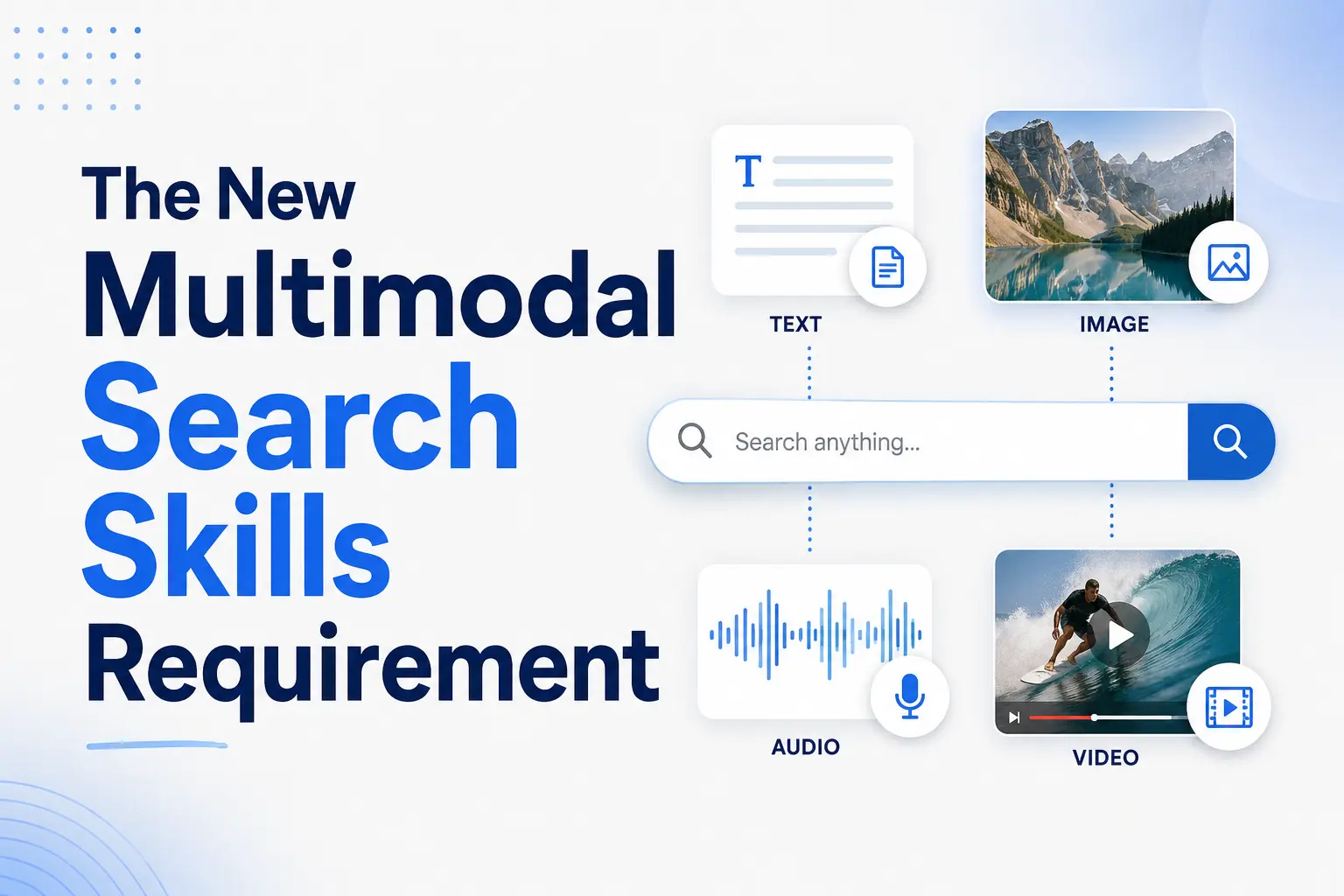
Multimodal search lets a user combine text, images, voice and video in a single query. For example, a user might photograph a plant and ask “What’s wrong with this?”, or point a camera at a sign in another language and ask what it says. The system must interpret the image, understand the question and draw on text-based knowledge to answer.
This goes beyond traditional reverse image search, which looks for copies of the same image. Current systems combine visual recognition, language understanding and live retrieval. Google, for instance, says its AI features may use “query fan-out”, issuing “multiple related searches across subtopics and data sources” to build a response with links to supporting pages (Google Search Central, 2025a). For a researcher, the practical consequence is that one photo or spoken question can return both matching images and a generated summary, and each needs checking in a different way.
How Fast Multimodal Search Is Growing
Visual search
Google’s figures show steady growth. In October 2024 Google Lens was used for “nearly 20 billion visual searches every month”, and Google said younger users aged 18 to 24 engaged most with it (Reid, 2024). By February 2025 the figure was “more than 20 billion” (Blair & Sexton, 2025), and by October 2026 Google reported more than 50 billion visual searches a month across its products (Pichai, 2026). These are company figures, not independent measurements, and they count searches, not people.
Voice and AI assistants
Voice is the second main input. Edison Research’s Infinite Dial 2026 survey, a nationally representative sample of 2,050 Americans aged 12 and over interviewed in January 2026, found that 39% own a smart speaker, an estimated 112 million people, up from 7% in 2017 (Edison Research, 2026a). The same study found that 57% had used a generative AI assistant at some point (Edison Research, 2026b). Spoken queries tend to be full questions, such as “Which archive holds the 1950s planning records for this town?”, rather than keyword strings.
AI assistants that combine formats
AI search tools now accept several formats in one conversation. A user can upload a screenshot of an error message, a chart or a document page and ask follow-up questions about it. Google reports that queries in AI Mode are on average three times longer than traditional searches (Pichai, 2026). Google also states that there are “no additional requirements” to appear in AI Overviews or AI Mode: the same basics of crawlable, well-structured pages apply (Google Search Central, 2025a). Claims that particular markup makes content “more likely” to be cited in AI answers are not supported by Google’s documentation and have been removed from this article.
Multimodal Techniques for Research and Verification
The skills below are the ones researchers, journalists and OSINT analysts use most.
Image and screenshot search
Google Lens lets you search with “your camera, an image, or a screenshot” to identify objects, places, plants, artwork and landmarks, or to find where a product is sold (Google). It is good at finding visually similar images and context. TinEye works differently: it creates a compact “fingerprint” of the image and finds copies that have been cropped, edited or resized, but generally not merely similar pictures (TinEye). Use both. Lens tells you what an image shows and where similar ones appear; a fingerprint engine helps trace one specific image across the web.
Reading text inside images
Lens can copy text from a photo and translate menus, signs and handwriting in more than 100 languages (Google). For researchers this turns a photo of a document, a shop sign or a street name into searchable text. Run the extracted text as a normal search and as an exact-phrase search to find other copies of the same document.
Image search operators
Google documents two operators for Google Images. src: finds pages that reference a specific image URL, on any domain, for example src:https://example.com/media/carrot.jpg. imagesize: finds images of an exact size, for example imagesize:1500×1000 (Google Search Central, 2025b). imagesize: is useful for finding a larger, earlier copy of an image that has circulated in compressed form.
Voice and audio search
In the Google app you can hold the Lens shutter and ask a question aloud about what the camera sees, and you can hum a tune to identify a song (Reid, 2024). Voice is quicker in the field, but spoken queries are harder to record. Note the exact wording you used so the search can be repeated.
Video search
Google introduced the option to record a short video in Lens and ask about the moving objects in it, initially for Search Labs users in English (Reid, 2024). For verification, the more common method is still to capture key frames from a video and search each frame as an image, then search any transcript or caption text.
Worked Example: Tracing a Viral Photo
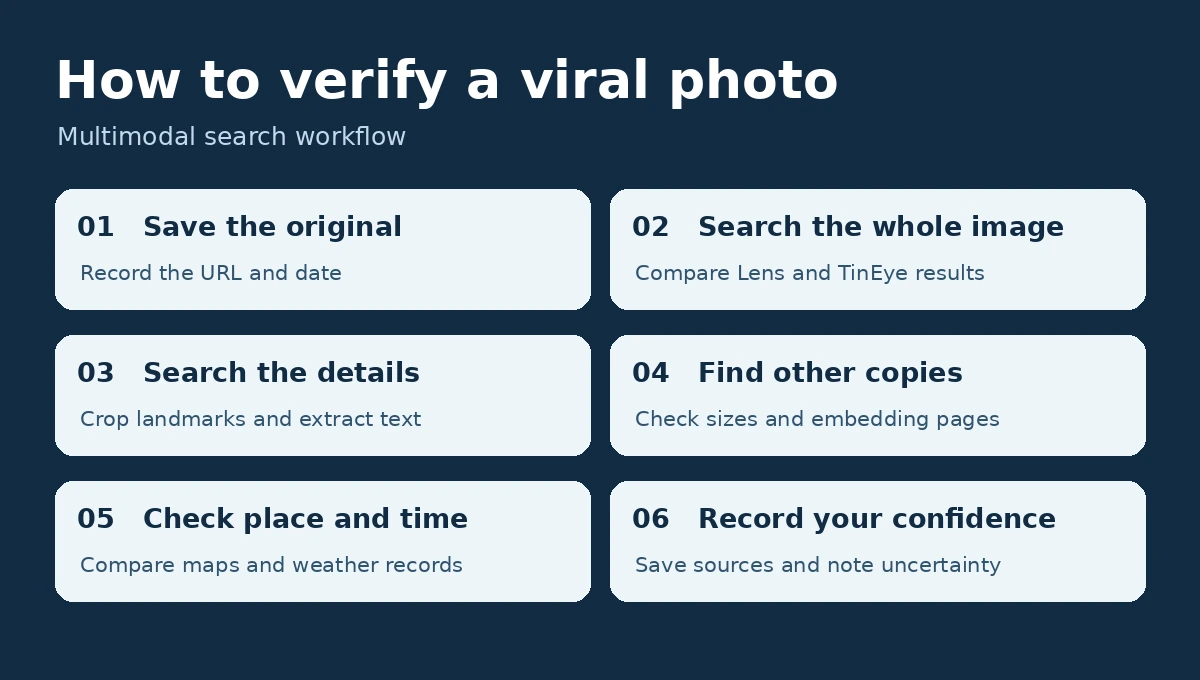
Suppose a photo of a flooded street is circulating with the caption “this morning in [city]”. A multimodal check runs like this:
- Save the original. Download the highest-resolution copy you can find and record where and when you found it.
- Search the whole image. Run it through Google Lens and TinEye, open the matching pages and note the earliest publication you can find.
- Search the details. Crop distinctive parts, such as a shop sign or a landmark, and search each crop. Use Lens to extract and translate any visible text, then search that text.
- Look for a larger copy. If you know the original’s dimensions, try imagesize: with them. Use src: with a known image URL to see which pages embed it.
- Check the place and time. Compare landmarks with map imagery and the weather with records for the claimed date.
- Record your confidence. Write down whether the photo is confirmed, probably earlier or unverified, and which searches support that judgement.
If step 2 finds the same image published years earlier, the caption is false whatever the AI summary says.
A Multimodal Search Skills Checklist
- Can you run the same image through a similarity engine (Lens) and a fingerprint engine (TinEye) and explain the difference in results?
- Can you crop an image to search a detail, and extract and translate text from a photo?
- Do you know the documented image operators src: and imagesize: and when each helps?
- Can you capture key frames from a video and search them as images?
- Do you record the exact input (file, crop, spoken wording) and the date of every search?
- Can you tell a match to the same image from a match to a similar image?
- Do you check AI-generated summaries against the pages they cite?
- Do you confirm place and time independently before accepting a caption?
Making Your Research Outputs Discoverable
The same systems that help you search also decide whether others find your reports, images and recordings. Five practices help, and none needs special “AI” markup.
Describe images in text
Google calls alt text “the most important attribute” for image metadata and warns against “filling alt attributes with keywords”. It also recommends short, descriptive filenames, placing images near relevant text and using standard HTML image elements, because “Google doesn’t index CSS images” (Google Search Central, 2026). A chart in a research report should have alt text that states what it shows and a caption that gives the source.
Write question-led headings with direct answers
Use clear headings framed as the questions readers ask, such as “How do I clean a cast iron skillet?” rather than “Cast Iron Care”, and answer each one in the first sentence or two of the section. This structure suits readers who scan, people using voice assistants and AI summaries alike.
Add transcripts and captions to audio and video
A transcript is “a text version of the speech and non-speech audio information needed to understand the content” (W3C Web Accessibility Initiative, 2024). Transcripts make recorded interviews, webinars and lectures accessible to Deaf and hard-of-hearing users and give search systems text to index. For video pages, Google asks for a dedicated watch page, a valid thumbnail and VideoObject structured data with a unique name and description for each video (Google Search Central, 2025c).
Use consistent names across formats
Names, titles and key terms should be the same in images, videos and text. If a chart labels a dataset “Survey Wave 3” but the report text calls it “the autumn survey”, readers and search systems may not connect the two.
Keep structured data accurate
Structured data, such as Article, Dataset or VideoObject markup, tells search systems explicitly what a page contains. Google’s guidance is that markup must match what is visible on the page, and that its AI features need no special schema (Google Search Central, 2025a). Treat structured data as a description of the page, not a ranking trick.
Conclusion: Method Over Format
Multimodal search gives researchers new ways in: a photo, a crop, a line of text in a picture, a spoken question or a video frame can each lead to sources that a keyword search misses. Each also brings new ways to be misled, from similar-but-different images to confident AI summaries. The skills that matter are the same in every format: choose the right tool for the input, record what you searched and when, and verify what comes back against an independent source. Applying the same care to your own outputs, with good descriptions, transcripts and accurate markup, makes your research easier for others to find and check.
References
- Blair, J., & Sexton, N. K. (2025, February 19). Use Lens to search your screen while you browse on iOS. Google, The Keyword. View source
- Edison Research. (2026a). The Infinite Dial 2026 [Presentation]. Edison Research at SSRS. View source
- Edison Research. (2026b, March 12). The Infinite Dial 2026. SSRS. View source
- Google. Google Lens [Product page]. Retrieved 9 November 2026, from View source
- Google Search Central. (2025a, December 10). AI features and your website. Google for Developers. View source
- Google Search Central. (2025b, December 10). Google Images search operators. Google for Developers. View source
- Google Search Central. (2025c, December 18). Video SEO best practices. Google for Developers. View source
- Google Search Central. (2026, March 2). Image SEO best practices. Google for Developers. View source
- Pichai, S. (2026, October 28). Q3 2026 earnings call: Remarks from our CEO. Google, The Keyword. View source
- Reid, E. (2024, October 3). Ask questions in new ways with AI in Search. Google, The Keyword. View source
- TinEye. How does TinEye work? TinEye Help Center. Retrieved 9 November 2026, from View source
- W3C Web Accessibility Initiative. (2024, September 17). Transcripts. World Wide Web Consortium. View source