

Ask a reference librarian when the hardest research questions arrive, and you will usually hear the same answer: late in the term, late at night, and long after the library orientation has faded from memory. A student staring at thousands of database results at 11 p.m. does not need another ten-page handout. They need three minutes of clear guidance on the one step that’s tripping them up.
That gap is why more university librarians, research methods instructors, and academic writing labs are rebuilding their research guides as short, captioned video tutorials. An AI learning video generator for educators makes the conversion practical. Staff can take an existing citation handout, database search guide, or source-evaluation rubric and turn it into a sequence of brief scenes that students can open from the syllabus, the library portal, or the assignment page itself.
The questions behind those tutorials barely change from one semester to the next. How do I combine Boolean operators in an interdisciplinary database? What separates a systematic review from a commentary article? How do I cite a dataset in APA 7th edition? How can I tell whether a website is a credible source or a well-designed front for someone’s agenda? Faculty teams answer these in thorough PDF guides, yet few undergraduate or master’s students read a single-spaced library handout from top to bottom while they are drafting a literature review.
Recorded lectures have the opposite problem. An hour of screen capture is hard to search, and it goes out of date the moment a journal database redesigns its interface. Short, scene-based tutorials sit between the two: specific enough to answer one question, and modular enough to update without re-recording everything.
Why research instruction works better in short video segments
Two widely used frameworks point in the same direction. The Association of College and Research Libraries (ACRL) Framework for Information Literacy for Higher Education describes searching as “deliberate investigation,” an iterative skill that students build over time rather than a single lesson they absorb in week two. CAST’s Universal Design for Learning (UDL) Guidelines recommend presenting key concepts in multiple formats, so learners from different language and disciplinary backgrounds can review procedural steps at their own pace.
Research on instructional video supports keeping segments short. In an analysis of 6.9 million video-watching sessions across four edX courses, Guo, Kim, and Rubin (2014) found that median engagement time topped out at about six minutes regardless of a video’s total length, and they recommended breaking content into pieces shorter than that. A meta-analysis of 56 studies on the segmenting effect (Rey et al., 2019) reported small-to-medium gains in both retention and transfer when multimedia instruction is divided into meaningful, coherent parts. Brame’s (2016) review of video design principles in CBE—Life Sciences Education lands in the same place: keep videos brief, signal the main points, and give learners a reason to interact actively.
When research methods instruction depends on a single guest lecture early in the term, three gaps tend to appear by midterm season:
- Timing mismatch between instruction and need: Students see the database demonstration in September, but they don’t start building search strings for their literature reviews until late October.
- Overloaded single sessions: A 50-minute library orientation tries to cover catalogue searching, interlibrary loan, citation managers, and plagiarism rules all at once. A few weeks later, students find it difficult to recall any one procedure.
- Maintenance burden among departments: When the library changes its proxy login or citation software license, re-recording ten full-length lecture videos can tie up staff for weeks.
| 12-page PDF LibGuide handout | Low; students ctrl+F a keyword and miss surrounding rules | Fast to edit text, but lacks visual walkthrough | Text-heavy; difficult to follow visual UI steps |
| 50-minute recorded seminar lecture | Very low; students rarely scrub through an hour-long video | High; requires re-recording the full session | Auto-captions often garble academic terminology |
| 3-minute scene-based tutorial video | High; answers one specific research question in 180 seconds | Under 10 minutes to edit a single scene and re-export | Clean, reviewed captions and adjustable playback |
Table note: This comparison reflects common staff experience with each format. It is a practical illustration, not the result of a controlled study.
Which online research skills deserve their own tutorial
Not every research topic belongs in a video. The best candidates are procedural skills that students need at a specific moment and tend to forget between assignments. They also happen to be the habits that separate casual searching from disciplined online research, the same methods professional internet researchers and OSINT analysts rely on every day:
- Query construction: combining Boolean operators, phrase searching, truncation, and field tags so a search returns a manageable, relevant set of results.
- Source verification: checking who stands behind a website, a preprint, or a dataset before trusting it. In a study comparing professional fact-checkers with PhD historians and Stanford undergraduates, Wineburg and McGrew (2019) found that the fact-checkers reached better-supported judgments in a fraction of the time because they left the page and “read laterally” across other sources instead of studying the site itself.
- Provenance and peer-review status: confirming whether a working paper has been peer-reviewed, where a dataset came from, and whether a statistic traces back to a primary source.
- Search documentation: recording the databases searched, the exact query strings, the filters applied, and the date of each search. The PRISMA-S reporting guideline (Rethlefsen et al., 2021) was developed because search methods in published reviews are often reported too incompletely for anyone to reproduce them.
- Citation management: exporting clean records into a reference manager and catching broken metadata before it ends up in a bibliography.
Four steps to build maintainable research and writing tutorials
Departments and libraries get the most use out of tutorials when each one works as a focused reference tool rather than a miniature lecture.
1. Organise tutorials around concrete student bottlenecks
Start with evidence you already have. Pull the fifteen most common questions from the reference desk, library chat transcripts, or TA office hours, and turn each one into a standalone module of about three minutes. Typical candidates include:
- How to narrow a 10,000-result journal search using field tags and date filters
- How to verify whether an online working paper has undergone peer review
- How to check who publishes a website before citing it
- How to export BibTeX and RIS records into Zotero without broken metadata
- How to document inclusion and exclusion criteria for a literature review table
2. Convert written guides into structured visual scenes
When faculty and instructional designers turn training material into learning videos in Leadde.ai, they can import an existing research handout or slide outline, divide the explanation into clean visual scenes, and pair each step with clear voice narration and synchronized subtitles.
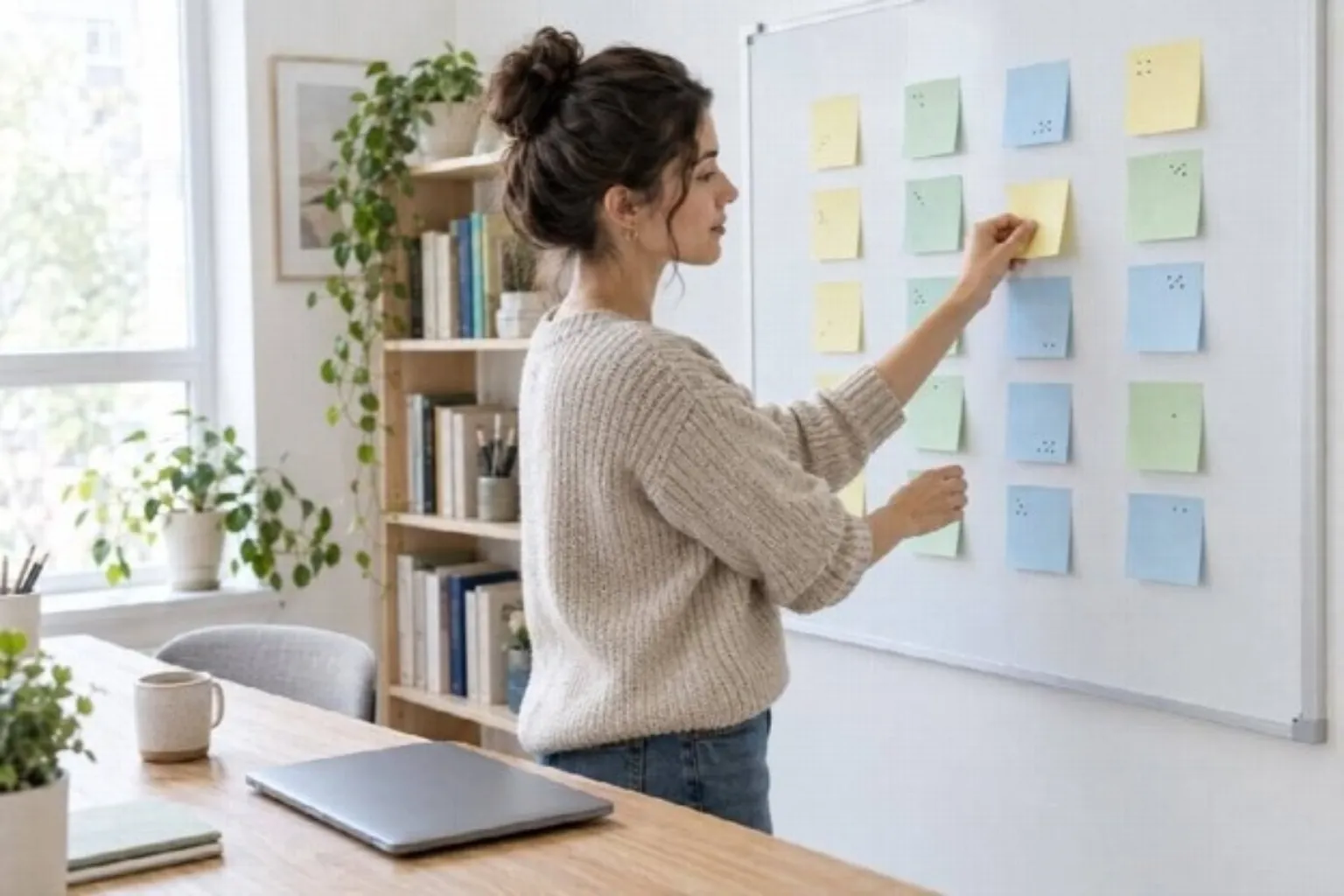
Storyboarding a research handout into single-concept scenes before production makes each step easier to script, check, and update later.
Keep each scene focused on a single concept or visual example. A four-scene tutorial on database searching might run like this:
- Scene 1: The research question (20 seconds): Show a realistic student topic that is too broad (for example, “social media and youth mental health”) and explain why it returns unfocused results.
- Scene 2: Building the search syntax (45 seconds): Put the full query on screen, for example (“social media” OR “social networking”) AND (adolescen* OR teen*) AND (“mental health” OR anxiety), and explain why each operator, quotation mark, and truncation symbol sits where it does.
- Scene 3: Filtering and verifying sources (45 seconds): Apply peer-review and date filters, then show how to check a study’s methods section and the provenance of any dataset it relies on.
- Scene 4: Saving a reproducible search log (25 seconds): Remind students to copy the exact query string, database name, filters, and retrieval date into their research log, so they or a supervisor can rerun the search later.
3. Verify academic citations, Latin terms, and discipline acronyms
Academic scripts are full of terms that synthetic narration can trip over: et al., ibid., DOI, ORCID, meta-analysis, epistemology. Before you export, listen to every scene and read the captions against the script. Check that abbreviations are pronounced naturally, and that citation elements appear exactly as they would in a reference list.
This step is worth the extra minutes. Gernsbacher’s (2015) review of more than 100 studies concluded that captions boost comprehension, attention, and memory for viewers in general, with especially strong benefits for people watching in a second language. Accurate captions help international students learn disciplinary vocabulary. Garbled ones teach them the wrong terms.

Linking a short tutorial inside the assignment prompt puts help exactly where students are already working.
4. Place tutorials inside LMS assignment prompts and downloadable checklists
Don’t hide tutorials on a library sub-page that students have to go looking for. Ask faculty to link the relevant clip directly inside the Canvas, Moodle, or Blackboard assignment where students submit their annotated bibliography or research proposal. Pair every video with a one-page text transcript and a search-string worksheet so students can copy syntax examples straight into their own searches. The transcript also gives screen-reader users and students on slow connections an equivalent route to the same content.
Keeping research tutorials accurate over time
Search interfaces change constantly, and an outdated tutorial can mislead students more than having no tutorial at all. A light maintenance routine keeps the collection trustworthy:
- Add a “last checked” date to the final scene and to the transcript.
- Give each tutorial an owner, usually the subject librarian responsible for that database.
- Review the full set once per term, and re-export only the scenes affected by an interface or policy change.
- Keep scripts and source files in a shared folder with version notes, the same way a research team documents protocol changes.
That last habit carries its own lesson. A tutorial library that is dated, documented, and corrected in the open models the transparency we expect from students in their own research.
Key takeaways
- Build tutorials around the questions students actually ask, one question per video.
- Aim for roughly three minutes per video and organise each one into single-concept scenes.
- Teach the full online research workflow (query construction, source verification, and search documentation), not just database navigation.
- Check narration and captions against the script before every export.
- Embed each video where students submit their work, with a transcript and worksheet alongside it.
- Date every tutorial and review the whole set each term.
References
Association of College and Research Libraries. (2016). Framework for information literacy for higher education. American Library Association. https://www.ala.org/acrl/standards/ilframework
Brame, C. J. (2016). Effective academic videos: Principles and guidelines for maximising student learning from video content. CBE—Life Sciences Education, 15(4), es6. https://doi.org/10.1187/cbe.16-03-0125
CAST. (2024). Universal Design for Learning Guidelines version 3.0. https://udlguidelines.cast.org
Gernsbacher, M. A. (2015). Video captions benefit everyone. Policy Insights from the Behavioural and Brain Sciences, 2(1), 195–202. https://doi.org/10.1177/2372732215602130
Guo, P. J., Kim, J., & Rubin, R. (2014). How video production affects student involvement: An empirical study of MOOC videos. In Proceedings of the First ACM Conference on Learning @ Scale (pp. 41–50). ACM. https://doi.org/10.1145/2556325.2566239
Rethlefsen, M. L., Kirtley, S., Waffenschmidt, S., Ayala, A. P., Moher, D., Page, M. J., Koffel, J. B., & PRISMA-S Group. (2021). PRISMA-S: An extension to the PRISMA Statement for Reporting Literature Searches in Systematic Reviews. Systematic Reviews, 10, 39. https://doi.org/10.1186/s13643-020-01542-z
Rey, G. D., Beege, M., Nebel, S., Wirzberger, M., Schmitt, T. H., & Schneider, S. (2019). A meta-analysis of the segmenting effect. Educational Psychology Review, 31, 389–419. https://doi.org/10.1007/s10648-018-9456-4
Wineburg, S., & McGrew, S. (2019). Sideways reading and the nature of expertise: Reading less and learning more when evaluating digital information. Teachers College Record, 121(11). https://doi.org/10.1177/016146811912101102
Recent Post
Nothing Found



