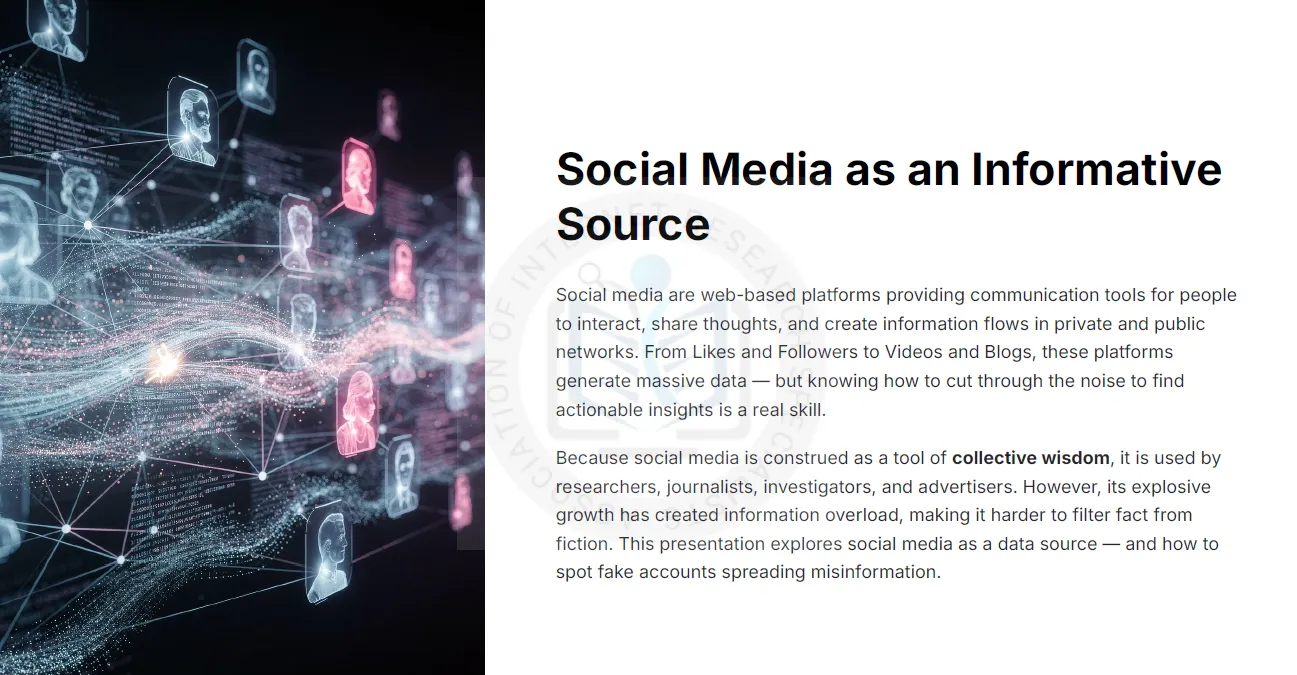
Billions of people post, share and react on social platforms every day, and that stream has become one of the richest data sources a researcher can tap. It is also one of the noisiest. Trends surface here first, but so do rumours, paid engagement and accounts that do not belong to real people. This AOFIRS training deck shows how to treat social media as evidence: how to collect it methodically, query Facebook and LinkedIn with precision, and verify sources before they shape your conclusions.
Why Social Media Matters to Researchers
Social platforms act as a form of collective wisdom. Researchers, journalists, investigators and marketers use them to stay current with a field, collaborate across borders, test theories against real-time conversation and build professional contacts. Mined systematically, likes, comments, hashtags and follower patterns reveal sentiment and social trends that surveys alone often miss.
The same scale creates information overload. The core skill the deck teaches is filtering: separating signal from noise and fact from fabrication.
Reading Social Trends
The deck frames trends through four lenses that shape how you interpret what you find:
- Sociological trends track how institutions, movements and behaviours grow or decline over time.
- Marketing trends show how brands use content and paid reach to shape conversation.
- Lifestyle trends reflect self-image and identity as people present them online.
- Socio-cultural trends capture shifts in culture and interaction driven by environment, technology and events.
Facebook and LinkedIn as Data Sources
Each platform offers different evidence. Facebook surfaces trending topics, public posts, pages and group activity, filtered through feed-ranking algorithms that decide what users see. LinkedIn is the primary source for corporate and professional data: employment histories, company pages, skills and industry connections.
Knowing that feeds are personalised matters. What appears in your own feed is not a neutral sample, so methodical searching beats casual scrolling.
Search Techniques That Work
Researchers combine Google operators with native platform search to isolate specific data. A few patterns from the deck:
| Goal | Example query |
|---|---|
| Find a person on Facebook | site:facebook.com "First Last" |
| Find a person on LinkedIn | site:linkedin.com/in "First Last" |
| LinkedIn field search | firstname: lastname: title: company: school: |
| LinkedIn Boolean | "data analyst" AND (OSINT OR intelligence) NOT recruiter |
| Topic tracking | Hashtags such as #osint across platforms and monitoring tools |
On LinkedIn, use uppercase AND, OR and NOT with quoted phrases and parentheses; the + and − operators are not officially supported.
Detecting Fake Accounts and Fake Engagement
Fake likes and followers are sold in bulk, and creating a fake identity requires little more than a stolen photo and a disposable phone number. Inflated engagement distorts any analysis that counts reactions as a signal of real interest. Warning signs include:
- Recently created profiles with few personal posts but heavy sharing or liking activity.
- Stock or stolen profile photos (check with reverse image search).
- Friend or follower lists that are huge, random or geographically implausible.
- Engagement bait: posts that demand likes, shares or tags rather than offering substance.
- Sensational, all-caps headlines and links to look-alike news domains.
The deck also explains how platforms fight back with pattern detection, video “motion scoring” and facial recognition, and why researchers still need their own checklist.
Tools for Social Media Search
The final chapters provide an A–Z directory of social media search engines and monitoring tools, from username trackers that check a handle across hundreds of sites to brand monitoring platforms, real-time search, location-based search and Boolean query builders. Treat this directory as a starting map: tools change often, so test current availability before relying on one.
View the Full Training Deck
The complete 60-slide deck covers statistics, trend theory, platform data attributes, query examples, fake-account detection and the full tool directory.
Turn Social Media Into Reliable Evidence
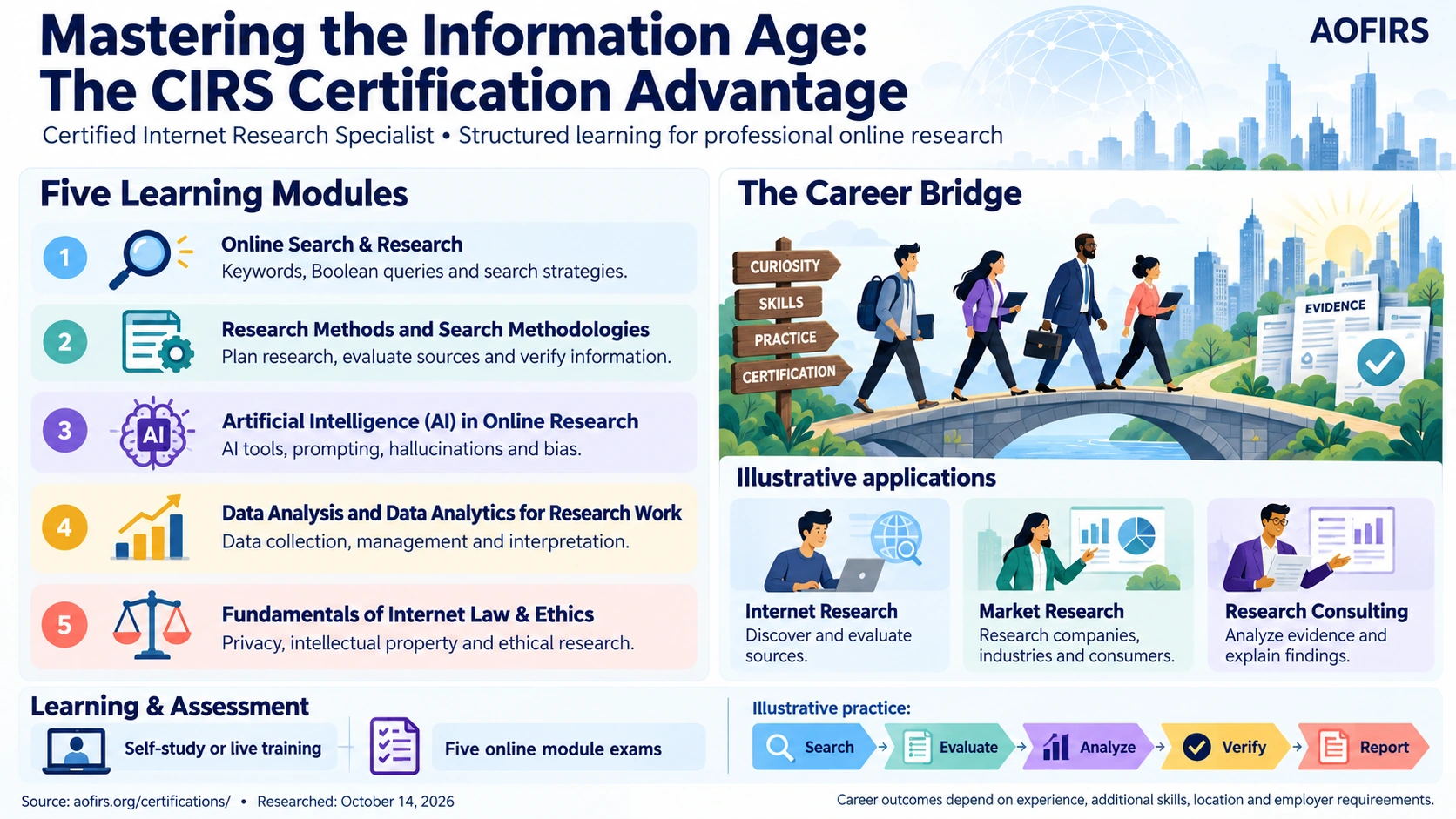
The Certified Internet Research Specialist (CIRS) course teaches advanced search, source verification and OSINT methods used by professional researchers.
Frequently Asked Questions
Is social media a reliable research source?
It can be, when treated as raw evidence rather than fact. Verify who posted, when and where, and corroborate claims with independent sources before using them.
How do I search Facebook or LinkedIn profiles with Google?
Use the site: operator with an exact name in quotes, for example site:linkedin.com/in “First Last”, then add a company, city or job title to narrow results.
What are the quickest signs of a fake social media account?
A new profile, a stock or stolen photo, few original posts, a random or very large network, and activity focused on liking or sharing rather than personal content.
Why do fake likes matter to researchers?
Bought engagement inflates apparent popularity and sentiment, so any analysis that counts reactions can be distorted unless suspicious accounts are filtered out.
Who is this training deck for?
Researchers, journalists, investigators, analysts and marketers who use social platforms to collect information and need reliable methods to search and verify it.